Your Browser Became Your Best Employee With Claude Cowork
Feb 9, 2026
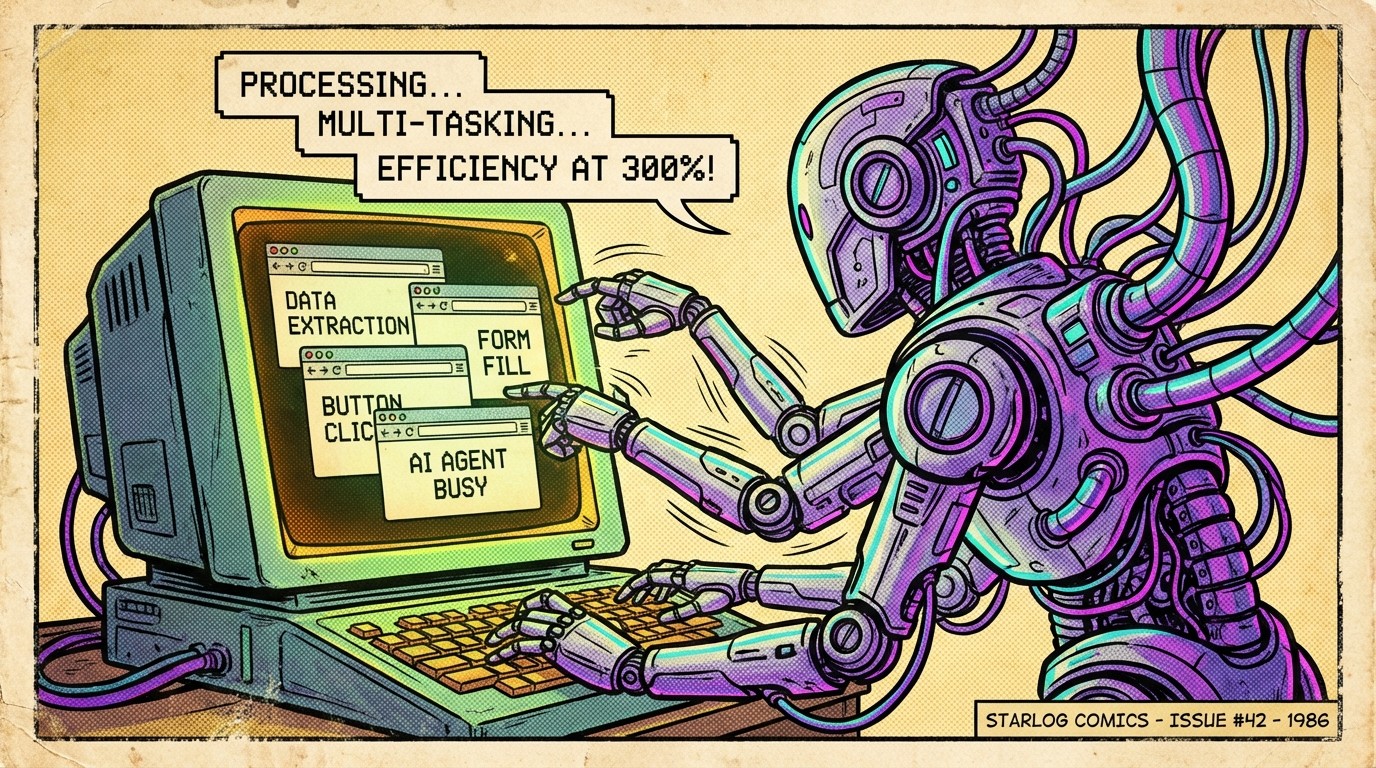
Every business has that person. The one who spends two or three hours every morning clicking through tabs, scanning websites and lists, copying data between systems, cross-referencing results, filling out forms. One tab at a time. One result at a time.
Maybe that person is you.
We've spent years automating the edges of work. API integrations, Zapier flows, CRM connectors. All useful. But the vast majority of repetitive work still happens in one place:
The browser.
That layer has always been the hardest to automate without a developer on hand, and most companies out there don't want you hammering thier website with automation scripts. Websites weren't and still aren't designed for machines, they are designed for humans.
However, that just changed.
From Scripts to Intent
Browser automation isn't new. Tools like Selenium and Playwright have existed for years. More recently, agentic browsing tools and third-party browser automation software like Browser Use have tried to crack this.
But the reality was always the same.
You needed code, you probably needed a server running somewhere, and you leaned heavily on the human, the AI, and the scripts all behaving perfectly in sync.
The moment anything went wrong like Cloudflare flagging the traffic, a site that didn't like programmatic access, a layout change...the whole thing fell over.
Flaky, fragile, and frustrating.
Then along came Claude Cowork and Claude in Chrome.
Claude Cowork is the 24/7 Workhorse You Need
Cowork pairs with your browser and sees the page the way you do. It's also using your session, so it's logged into all of your accounts.
You describe what you want done. It handles the navigation, the clicking, the form filling, the data extraction. No scripts. No selectors. No maintenance when a UI updates.
But the real power isn't just "AI can click things in my browser." It's what happens when you combine that with a plugin.
What's a Plugin?
When most people hear "plugin" they think code. Libraries. Dependencies. Developer territory.
A Cowork plugin is none of that. It's structured markdown. Plain text files that describe what you want the agent to do, how to handle different situations, and what tools to connect.
A typical plugin looks something like this:
Each command is a workflow described in natural language. Each skill is a set of instructions for how Claude should approach a specific task. The connectors file tells it which browser automation to use, your Chrome session for anything that needs a login, headless tools for speed on public sites.
No code to compile. No environment to configure. You're writing a detailed brief for a very capable colleague.
This is where it clicked for me.
Any task is just a set of skills. If you can write those skills down clearly enough for someone to execute on them, you can turn anything into a plugin. That's it. That's the whole trick.
What This Actually Looks Like
I recently built a plugin for a client whose team was spending two to three hours every morning on a brutally repetitive browser workflow. Scanning multiple websites for listings, cross-referencing results across sources, finding the right contacts, and exporting everything into their CRM.
The kind of work that's absolutely necessary, but you'd rather spend that time on higher value activities.
The plugin parallelises the scanning across multiple sites simultaneously, something a human literally cannot do. One person, one browser, one tab at a time. The agent runs the same process multi-threaded. It deduplicates results intelligently, merging data when the same listing appears on multiple platforms. It enriches. Then it exports, ready for import.
I showed the client Cowork and the browser were running side by side. They could see exactly what the agent was doing at every step.
This is vital in building trust.
It's not a black box running on a server somewhere. It's right there, in front of you, working through the same browser you use every day. You can watch it, correct it when it drifts, and improve it with your own feedback.
That visibility is massively underrated. When you're introducing AI into a business, people need to see how it got to the answer. Not just trust that it did.
The Stack
Here's what you actually need:
Claude Desktop with Cowork: the platform with a brain
Claude in Chrome: the browser extension, using your logged-in sessions
A plugin: your repeatable workflow, written in markdown, packaged for your team
That's the entire stack. No infrastructure to manage. No servers to maintain. No engineering team required. At a price point of roughly $16-25 per person per month, it's accessible for most teams.
The plugin system is also tool-agnostic. It uses placeholders for different capabilities, so the same plugin works regardless of which specific tools you connect.
What It Can't Do (Yet)
It's not perfect. You should know the trade-offs.
The agent can be cautious
Claude sometimes exits workflows early, erring on the side of safety when it encounters browser automation that feels too intense. I get why it does this. The guardrails exist for good reason. But when you've already defined the workflow in a well-structured plugin, the agent should trust the instructions more than it currently does. There's drift. It's manageable, but it's there.
It's not instant
Every browser interaction involves Claude taking a screenshot, deciding what to do next, then acting. That loop adds up. For complex multi-page workflows, expect minutes, not seconds.
CAPTCHAs still need you
When a site throws up a challenge, Claude will tell you it needs help. You're not fully hands-off.
Rate limits exist
Platforms that don't like to be scraped will look for behaviour that is excessive. Any good plugin respects these limits. If it doesn't, you'll lose your account before you save any time.
It's a hybrid approach
The plugin and the AI get most of the work done. You tweak it. Even with the occasional drift, you're still saving hours compared to doing it manually. It doesn't need to be flawless to be transformative.
Who This Is For
If you're a business owner, a team lead, or anyone working in marketing, recruitment, sales, or operations, and your day is full of step-based procedures that live in a browser, this is for you.
You don't need a heavy coding background. You need to be able to describe your workflow clearly. If you can write a process document, you can build a plugin.
The gap between "I have a repetitive browser task" and "I have an agent that does it for me" has never been smaller.
The Browser Was Always the Bottleneck
We've had AI that can write, reason, and analyse for a while now. What we didn't have was AI that could do the clicking for us and was actually pretty damn good at it. The boring, repetitive, browser-based work that eats up hours across every business.
That gap is closing fast. And the tooling to build your own browser automation is more accessible than it's ever been. Not a line of code. A structured brief and the patience to refine it.
If someone on your team spends their morning clicking through the same workflows, that's your signal. The question isn't whether browser agents are ready for business. It's whether your business is ready to let them work.
But if you need a helping had, send me a DM. Don't let a little barrier stop you from improving the way you operate.